
Scannable IDs are identification cards built so that the data encoded on them can be read by a machine — a barcode scanner, a phone camera, or a POS terminal — rather than only by a person looking at the card. The card carries a two-dimensional barcode, most often PDF417, that holds the same text printed on the front: name, date of birth, licenses number, address, issue and expiry dates. A scan returns that text in a structured field, and the terminal decides in under a second whether to accept or flag it.
IDLord.com produces scannable novelty ID cards across sixteen designs — twelve US states, three Canadian provinces, an Ontario health card, and a UK card — at factory pricing from $150. Every card is assembled with a machine-readable barcode, holograms, UV-reactive ink, and laminate overlays, so the scan behaviors matches what the printed card claims.
This guide covers both halves of the question: what a scannable ID physically is, and what people actually do with one.
Whatever You Need to Look Up First
| Question | Answer |
| What makes an ID “scannable”? | A PDF417 or QR barcode encoding the card’s printed data, readable by standard 2D scanners |
| What does a scanner actually return? | Plain text fields — name, DOB, ID number, address, dates — not an image or a verdict |
| Does scannable mean official? | No. Scannable is a printing capability. Verification is a separate check against a database |
| What are they used for? | Age-gated entry, retail and rental checks, film and prop work, collections, employee and student cards |
| How much does an IDLord card cost? | From $150 direct from the factory, versus $300–500 at typical retail |
| How fast does it arrive? | Rush orders dispatch inside one week; free standard shipping inside two weeks |
Part One: What a Scannable ID Actually Is
The Card Is Two Objects in One
Every ID card carries two independent layers of information, and they fail independently.
The visual layer is what a bouncer or a clerk sees: the photograph, the printed name, the laminate texture, the hologram that shifts as you tilt it. This layer is judged by a human eye, in about two seconds, under bad lighting.
The machine layer is the barcode. It is judged by a scanner, in about 200 milliseconds, with no judgment involved at all. The scanner does not care whether the photograph looks right. It reads a string of characters and passes it to software.
A card can pass one check and fail the other. A photocopied card with a perfectly valid barcode passes the machine and fails the eye. A beautifully printed card with a barcode that decodes to garbage passes the eye and fails the machine. Scannable construction exists so that both layers say the same thing.
What the Barcode Encodes
On a US driver licenses, the PDF417 barcode typically carries the fields printed on the front, organized into a standard header and subfile structure:
- Header (subfile “DL”) — issuing jurisdiction, licenses number, vehicle class, restrictions, endorsements
- Subfile “DA” — the full name and address block, formatted as fixed-width text fields with three-letter tags: DCS surname, DAC first name, DAD middle name, DBB date of birth, DBC sex, DAQ licenses number, DBA expiry, DBD issue date
- Subfile “ZC” — jurisdiction-specific data, which varies by state
- Optional subfiles — organ donor status, veteran designation, REAL ID indicator
That tag structure is why scanners can display a card’s data in clean fields rather than a messy line of text. The software knows DBB means date of birth, so it formats it as a date. A card whose barcode is internally consistent will read consistently across different scanner brands. A card whose barcode order is scrambled will read as nonsense or throw an error.
The Three Things Buyers Get Wrong
Wrong: scannable means registered. A barcode contains data. It does not contain a link to a government record. Scanners that perform a database lookup — the kind used at airports — are a different system entirely, and no barcode can satisfy them.
Wrong: one barcode type fits every state. California, Texas and Florida use different barcode specifications from each other, and the field lengths differ. A generic template applied across all fifty states produces cards that decode with visible inconsistencies.
Wrong: a phone app proves authenticity. Consumer ID-scanning apps read the same barcode any $40 scanner reads. They are convenience tools, not authentication. Authentication requires either government database access or forensic inspection of the physical security elements.
Part Two: How IDLord Builds Them
IDLord cards are produced in one facility and shipped direct, without a reseller layer. The construction covers four material systems.
Machine-readable data. Each card carries a PDF417 barcode generated from the specific template’s field specification — not a generic placeholder. Holograms are applied as either standard or custom patterns. Magnetic stripe encoding is included on magnetic-stripe variants, and the encoding matches the printed data.
Optical security. UV-reactive ink ribbons are laid down in the pattern the issuing jurisdiction uses, so the card fluoresces correctly under a 365 nm UV lamp rather than glowing uniformly. Laminate layers carry the correct texture and sheen — the difference between a card that feels like a state-issued document and one that feels like a laminated printout is almost entirely in the overlay.
Print fidelity. Variable data — the name, the photograph, the licenses number — is printed at the resolution the template requires, with the microprinting intact under magnification.
Version currency. Templates are dated. The California card is on the 2026 version; New York, Texas, Pennsylvania, Georgia, Arizona, Tennessee and North Carolina are on 2025 versions; Wisconsin offers both a driver licenses and a separate state ID in the 2026 revision. When a state redesigns its card, the template is replaced rather than patched.
Pricing runs from $150 at the factory, against $300–500 at typical retail. Rush orders dispatch inside a week. Standard shipping is free and lands inside two weeks.
Part Three: Where Scannable IDs Get Used
The uses below are the ones buyers actually report. Each has a different requirement, and the requirement usually determines which design is right.
1. Age-Gated Venues
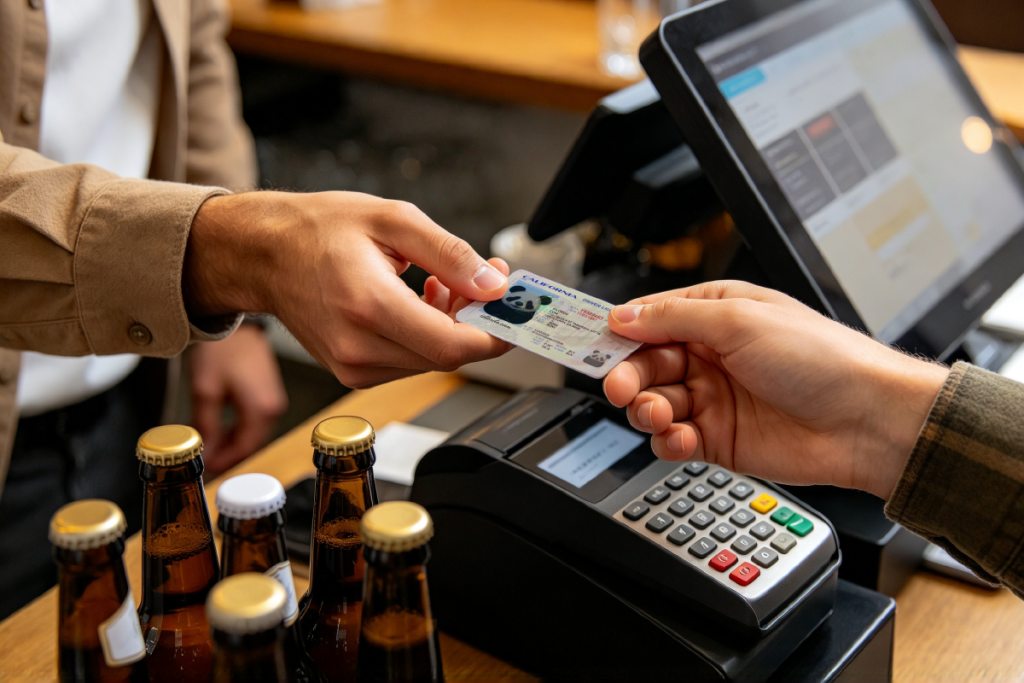
The largest category. Bars, clubs, and venues that scan at the door use 2D scanners that read the barcode and display the date of birth. The scan is the primary check; the visual comparison is secondary. What matters here is that the barcode decodes to an internally consistent record and the design matches the current version of that state’s card.
2. Retail Age-Restricted Purchases
Alcohol and tobacco counters increasingly scan rather than eyeball. The same requirements as venues, with one addition: the POS software may compare the scanned date against a stored format expectation. A card using an outdated barcode layout can fail even when the data is correct.
3. Car Rentals and Equipment Hire
Rental desks photocopy and scan. The relevant question here is not whether the scan passes but whether the record stays consistent across the rental period — the same name and number appearing on the contract, the scan, and the return paperwork.
4. Employment and Contractor Onboarding
Many small employers require an ID copy for payroll files. Scannable construction means the copy can be parsed automatically rather than retyped, which reduces data-entry errors on both sides.
5. Student and Campus Cards
Campus systems often use the same 2D barcode standard for library, dining, and gym access. A card built to the standard reads on those systems without custom configuration.
6. Film, Television, and Photography Production
Prop departments need documents that photograph correctly and read correctly when a scene shows a scanner close-up. A card that fails to scan on camera is a reshoot, so productions order scannable props as standard.
7. Collectibles and Display Pieces
Collectors keep cards in albums and display cases. Scannable matters less than print quality and laminate integrity over time — a display card should not yellow or delaminate after two years in a sleeve.
8. Access Badges and Membership Cards
Organizations that already run barcode-based access control can issue scannable cards through the same readers without new hardware. This is the most straightforward commercial use, and the one with the least regulatory friction.
9. Photography and Social Media Content
Creators shooting ID-themed content need cards that hold up under a macro lens. Detail density on the microprinting and the hologram pattern is what decides whether a close-up looks right.
Part Four: Judging Quality Before You Order
Six checks that separate build quality from marketing copy.
1. Ask for the barcode specification, not just the state name. A supplier who can tell you which fields the barcode carries knows what they are producing. A supplier who says “it scans” without naming the specification is guessing.
2. Check version dating. Cards get redesigned. A template dated two revisions ago will still scan, but the design will not match what a venue’s staff have been trained to look for.
3. Confirm the security elements individually. Custom hologram or generic? UV pattern matched to the jurisdiction or uniform? Magnetic stripe encoded or blank? These are separate line items, not a single “security features included.”
4. Compare against the published price range. $300–500 is the retail band. Direct-from-factory pricing at $150 reflects the absence of a reseller margin, which is a structural advantage rather than a red flag. Prices far below that band usually indicate stock photography of someone else’s product.
5. Ask what happens on a failed scan. A serious supplier will replace a card that does not decode. That policy is worth more than any quality claim on a landing page.
6. Read the shipping terms literally. “Free shipping” and “fast shipping” are two different promises. IDLord’s terms are specific: rush dispatch inside one-week, free shipping inside two weeks. Vague delivery language is where most complaints originate.
Part Five: The Practical Limits
Scannable construction solves the machine-readability problem. It does not solve the verification problem, and it is worth being clear about the boundary.
Barcode scanning reads data. It is defeated by nothing more than inconsistent data, and satisfied by consistent data. This is what IDLord cards are built for.
Physical inspection looks at the security elements — the hologram under raking light, the UV response under a lamp, the microprinting under magnification, the laminate edge under a fingernail. Quality of materials determines the outcome here, which is why IDLord specifies each element rather than asserting “high quality.”
Database verification checks a government record. Airports, some financial institutions, and government offices use this. No card, however well built, satisfies a database lookup, because the lookup is not reading the card at all — it is querying a register.
Legal considerations vary by jurisdiction and by use. Purchasing a novelty card, collecting one, and presenting one as your own identity are three different acts with three different legal characters. Buyers should understand which act they are engaging in.
Frequently Asked Questions
#scannable IDs · #scannable ID cards · #ID barcode technology · #novelty IDs · #ID verification · IDLord guide
