
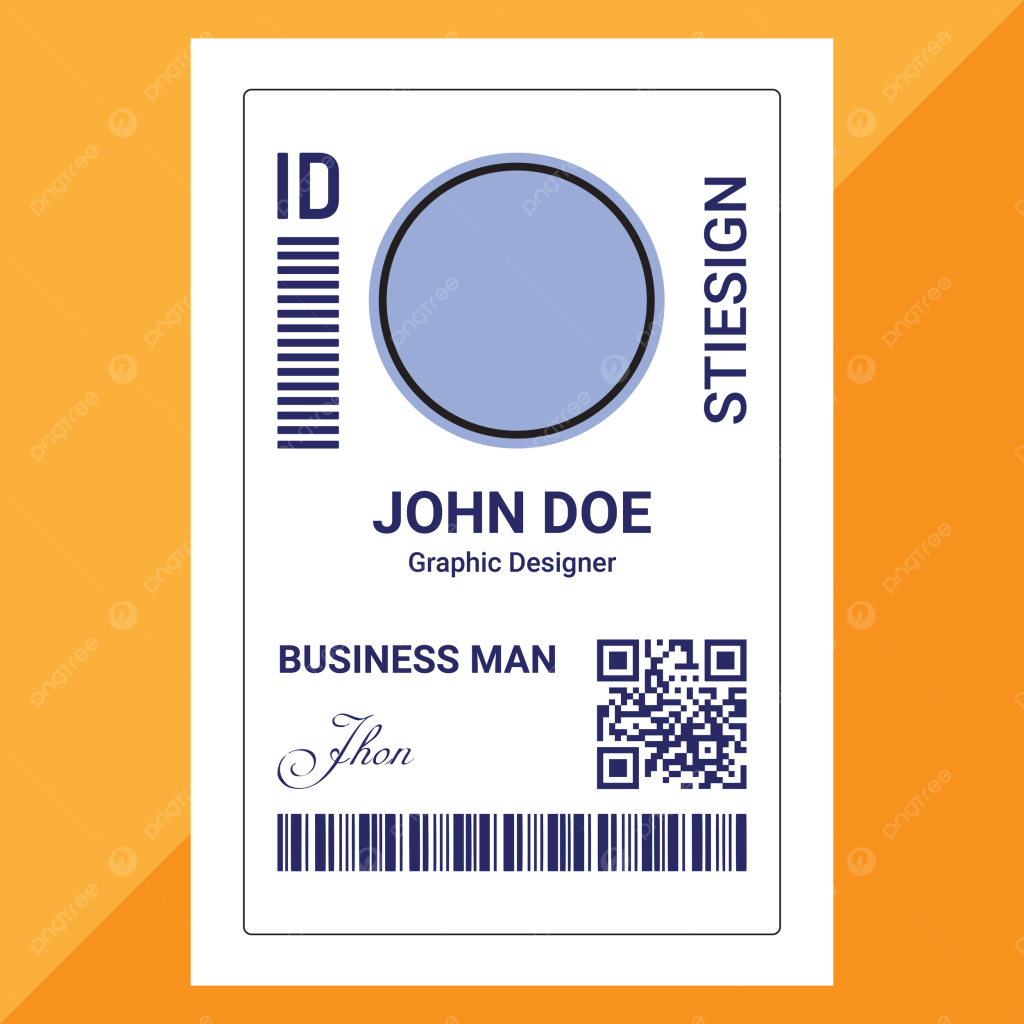
In today’s fast-paced professional world, ID cards are more than just identification—they represent your brand, organization, and credibility. Whether you run a company, school, or event, a well-designed ID card leaves a lasting impression and enhances security.
If you’re wondering how to design a professional ID card easily, you’re in the right place. Platforms like IDLord simplify the entire process, allowing even beginners to create high-quality, scannable, and visually appealing ID cards in minutes.
This guide will walk you through everything—from design basics to advanced tips—so you can create stunning ID cards without any hassle.
Why Professional ID Cards Matter
Before diving into the design process, it’s important to understand why ID cards are essential:
- Security & Access Control: Helps restrict unauthorized entry
- Brand Identity: Reinforces your company or organization’s image
- Professional Appearance: Builds trust and credibility
- Easy Identification: Simplifies employee or member recognition
A poorly designed ID card can look unprofessional and fail to serve its purpose. That’s why design matters.
Key Elements of a Professional ID Card
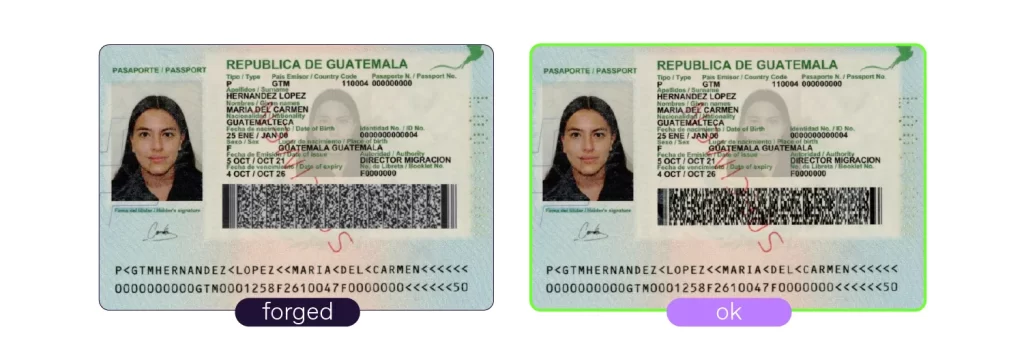
To design a high-quality ID card, you need to include the following essential elements:
1. Clear Photo
A high-resolution photo ensures easy identification.
2. Full Name & Designation
Include the person’s full name and job title for clarity.
3. Company Logo
Your logo strengthens branding and authenticity.
4. Unique ID Number
Helps in tracking and database management.
5. Barcode or QR Code
Useful for scanning and digital verification.
6. Contact Information
Optional but helpful for business or visitor cards.
7. Expiry Date
Enhances security by limiting validity.
Step-by-Step Guide to Designing an ID Card Easily

Step 1: Choose the Right Tool
Start with a reliable platform like IDLord. It offers:
- Ready-made templates
- Drag-and-drop editor
- Scannable barcode integration
- Easy customization
Step 2: Select a Template
Choose a template that matches your purpose:
- Corporate ID cards
- Student ID cards
- Event badges
Templates save time and ensure professional layouts.
Step 3: Add Your Branding
Customize the card with:
- Logo
- Brand colors
- Typography
Consistency in branding makes your ID card look polished and professional.
Step 4: Upload User Details
Add:
- Name
- Photo
- Position
- ID number
Ensure all information is accurate and properly aligned.
Step 5: Insert Barcode or QR Code
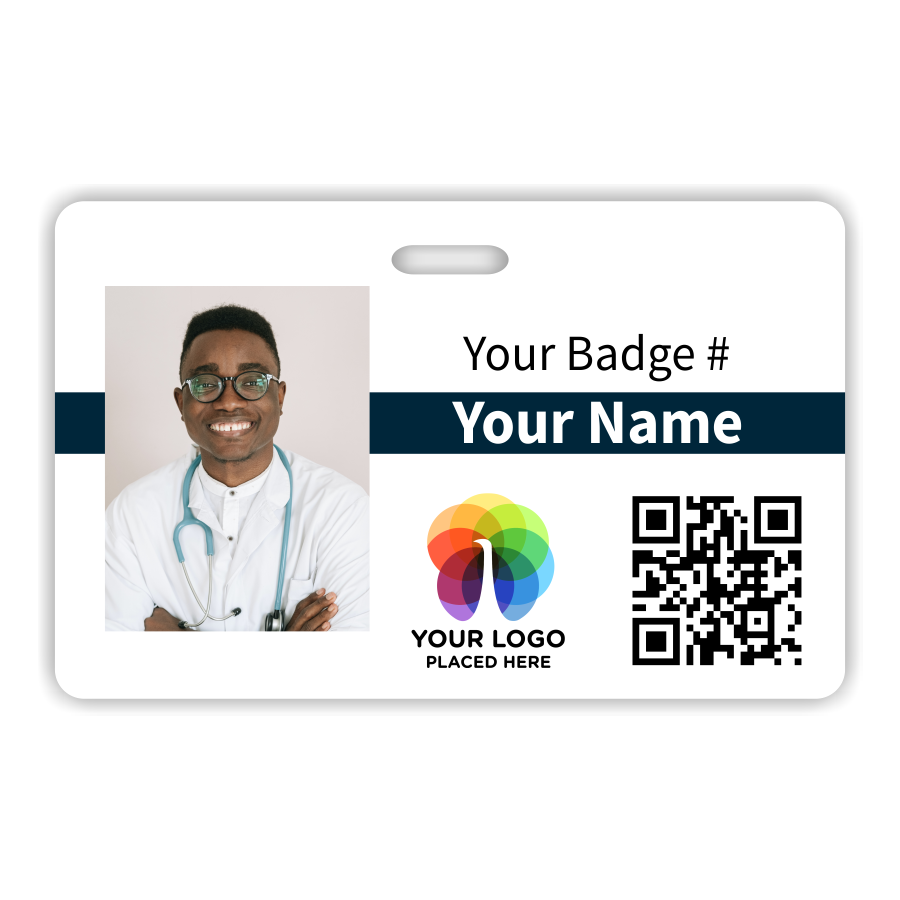
Modern ID cards often include scannable features. These help with:
- Attendance tracking
- Access control
- Digital records
Step 6: Adjust Layout & Design
Focus on:
- Alignment
- Spacing
- Font size
- Color contrast
A clean layout improves readability and aesthetics.
Step 7: Preview and Download
Before finalizing:
- Double-check all details
- Ensure image quality is high
- Test barcode functionality
Download in high resolution (PNG or PDF).
Best Design Tips for Professional ID Cards
Keep It Simple
Avoid clutter. A clean design looks more professional.
Use Readable Fonts
Choose fonts that are easy to read even from a distance.
Maintain Color Contrast
Ensure text stands out against the background.
Use High-Quality Images
Low-quality images reduce professionalism.
Standard Size Matters
Use standard ID sizes like CR80 (credit card size).
Common Mistakes to Avoid
- Using low-resolution images
- Overloading with too much information
- Poor alignment and spacing
- Ignoring branding consistency
- Not including security features
Avoiding these mistakes will significantly improve your ID card design.
Why Use IDLord for ID Card Design?
IDLord is a powerful platform that simplifies ID card creation. Here’s why it stands out:
- User-friendly interface
- Pre-designed templates
- Scannable barcode features
- Fast and efficient process
- No design experience required
It’s perfect for businesses, schools, and individuals.
Advanced Features to Enhance Your ID Cards
If you want to take your design to the next level, consider:
- Holographic overlays for security
- Magnetic strips for access control
- Smart chip integration
- Custom lanyards and holders
These features add both functionality and professionalism.
Use Cases of Professional ID Cards
- Corporate offices
- Educational institutions
- Healthcare facilities
- Events and conferences
- Membership organizations
Each use case may require slightly different design elements.
FAQs
1. Can I design an ID card without graphic design skills?
Yes, tools like IDLord make it easy with templates and drag-and-drop features.
2. What size should an ID card be?
The standard size is CR80 (credit card size), which is widely used.
3. How do I make my ID card scannable?
Add a barcode or QR code using tools like IDLord.
4. What file format is best for printing ID cards?
PDF or high-resolution PNG is recommended.
5. Can I customize templates fully?
Yes, most platforms allow full customization, including colors, fonts, and layout.
Conclusion
Designing a professional ID card doesn’t have to be complicated. With the right tools like IDLord and a clear understanding of design principles, you can create high-quality ID cards quickly and efficiently.
Focus on simplicity, clarity, and branding to ensure your ID cards not only look great but also serve their purpose effectively. Whether you’re designing for a company, school, or event, following this guide will help you achieve professional results every time.